Photo Size
Your photo. The size you need.
- Launched
- October 2026
- Category
- iOS app
- Status
- Active
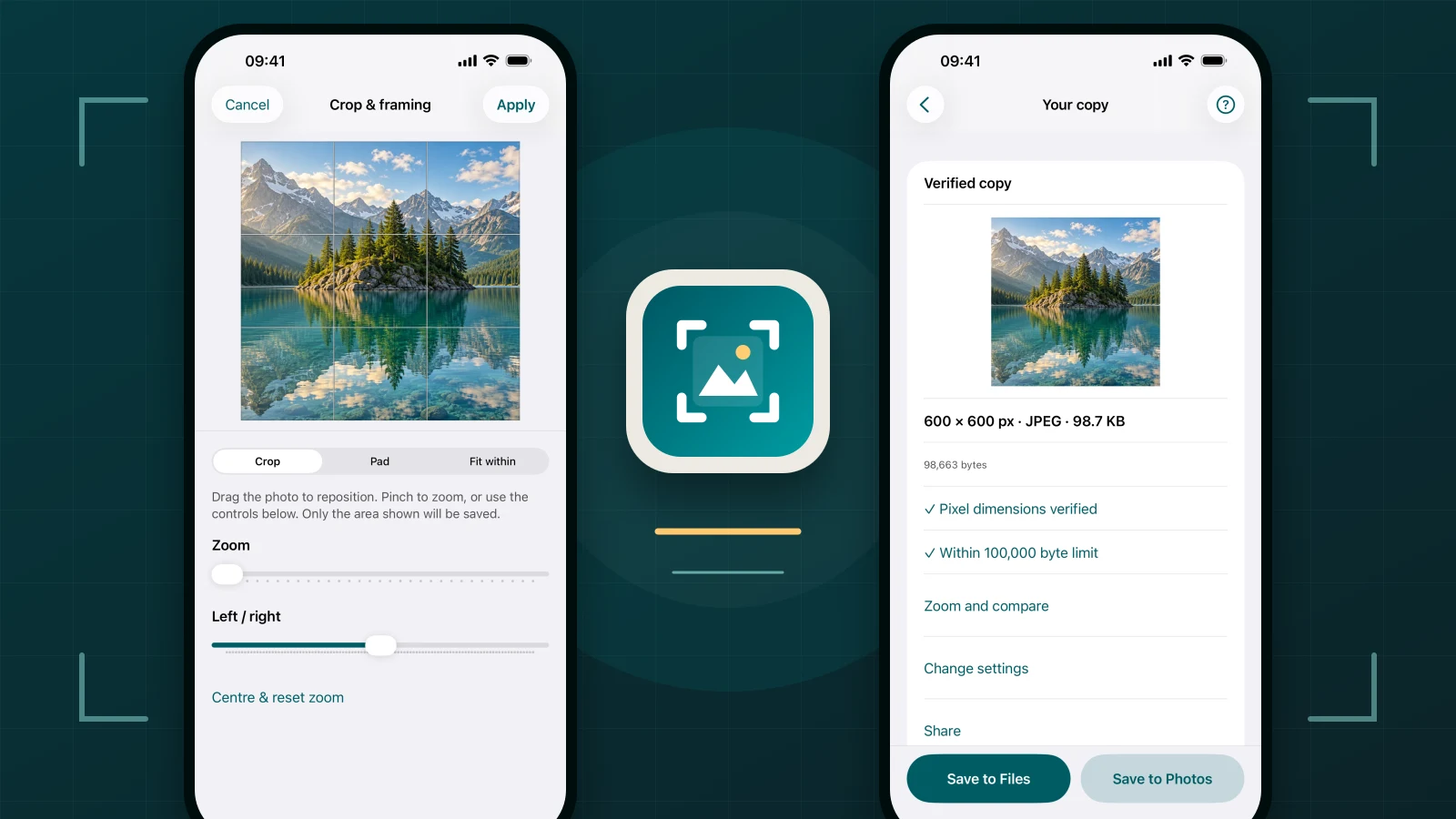
Photo Size is a free iPhone app for creating an image with the pixel dimensions and maximum file size an upload requires. Choose custom dimensions, a KB or MB limit, or both together, then inspect the measured result before saving it.
Free · No account · No watermark
Choose your own size
Set the width and height in pixels, a maximum file size in KB or MB, or both. Keep the original proportions, crop to an exact canvas, add padding or fit the image within a box without stretching it.
Photo Size treats a file-size target as a maximum. The finished copy may be smaller, and some combinations of dimensions, format and size limit cannot be met. When that happens, the app explains the available choices instead of quietly changing fixed dimensions.
See the crop as you adjust it
Keep the photograph in view while you move and zoom the crop. Preview the finished copy, inspect its measured dimensions and file size, and compare the detail before saving.
The verified result shows the actual encoded file rather than an estimate. If settings change, the result must be created again so an older file is never presented with new-looking measurements.
Save where you need it
Export JPEG or PNG. Save to Files when an upload needs the exact verified file, add a new copy to Photos, or share it with another app. PNG can preserve transparent areas; JPEG fills transparency with the colour shown in the preview.
Photo Size supports still JPEG, PNG and HEIC or HEIF images. Live Photos use their still image. It handles one image at a time and does not claim support for animation, PDF conversion, RAW development or batch editing.
Your original stays yours
All image processing happens on your iPhone. Photo Size creates a new copy and never replaces the selected original. Exported copies remove location and unnecessary camera metadata.
There is no subscription, advertising, analytics service, account system or image-upload service in the app. The system photo library or a file provider may download a selected image, and any destination chosen through the share sheet applies its own privacy practices.
How it works
- Choose a photo or open an image from Files.
- Enter the required pixels, file-size limit or both, then adjust the framing.
- Create the copy, check the result and save it.
Availability
Photo Size is coming to the App Store for iPhone and requires iOS 18 or later. The public App Store listing is not live yet, so there is no download link on this page.